

Incident Response
Identity incident response, with answers in seconds
See who had access to the affected data, how they got it, and what they did, then contain the identity from the same view.
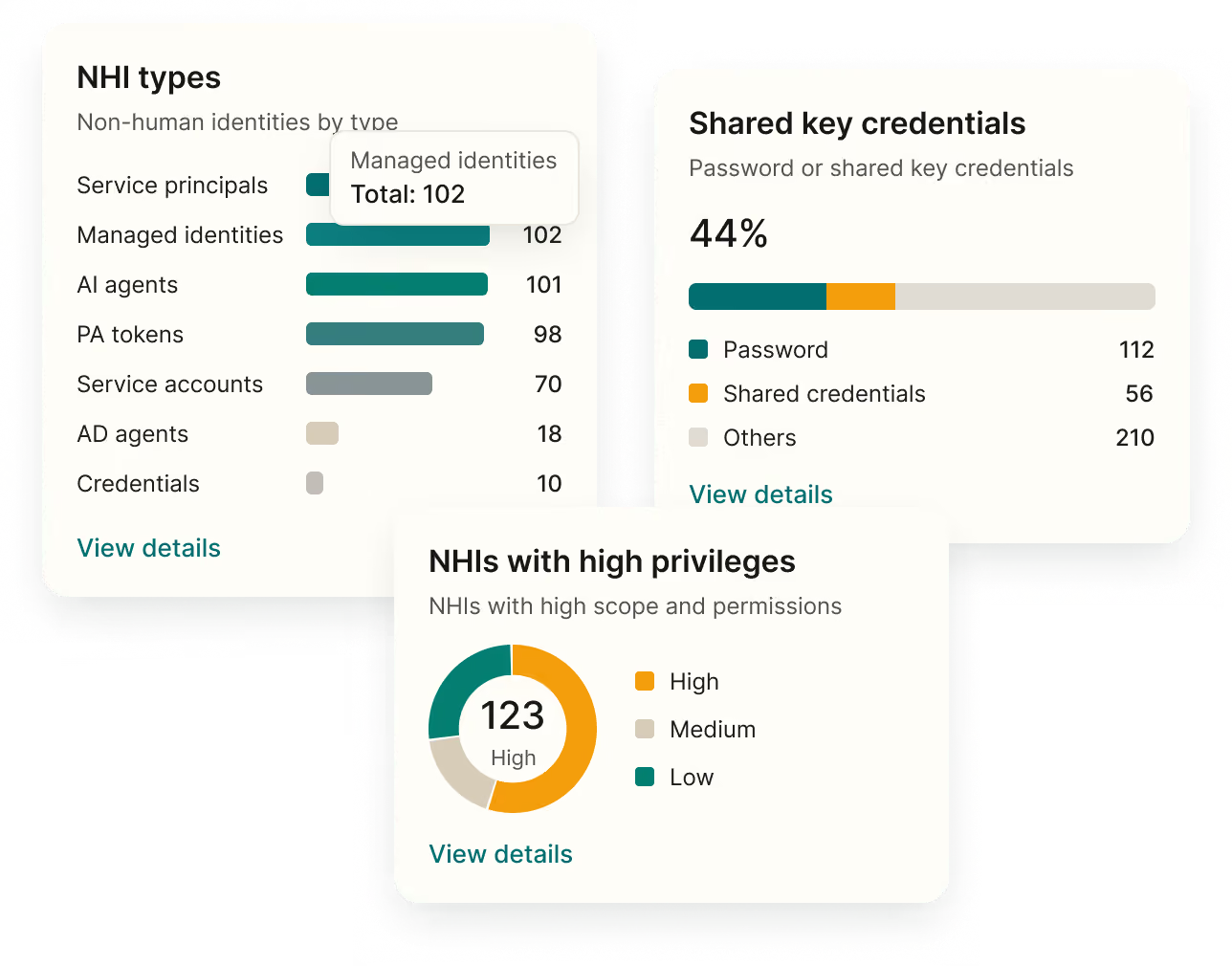
Identity investigations take too long
Heading
Scattered evidence
Access, groups, and activity live in different consoles.
Unclear blast radius
No one can say quickly what a compromised account could reach.
Slow containment
Revoking access means jumping between admin tools.
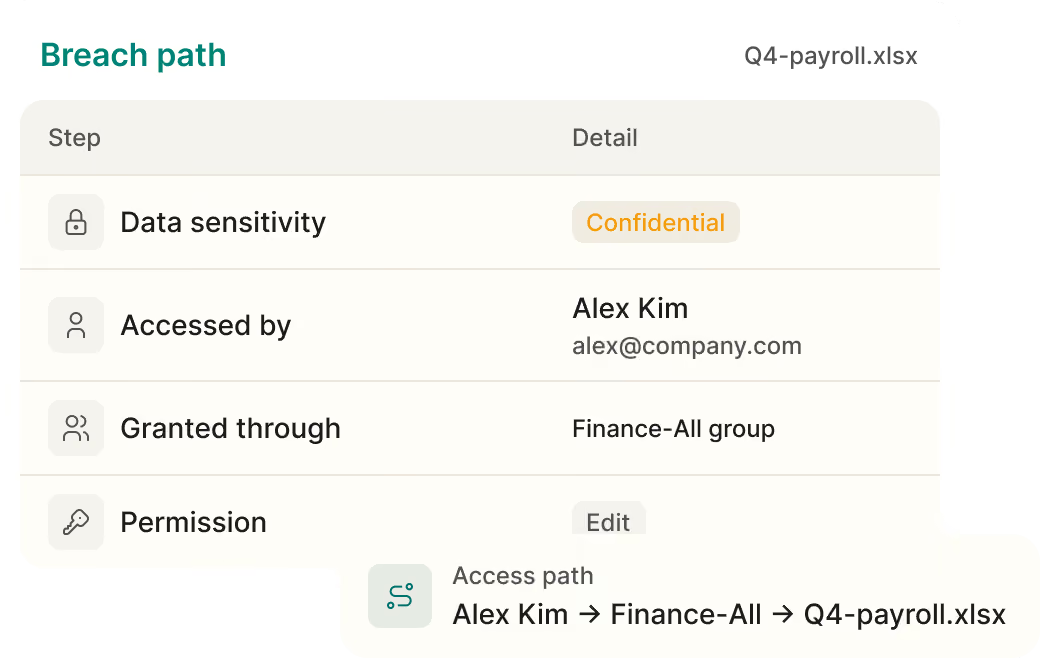

See how access was granted

Who accessed it, and how
Trace who accessed a resource and which group or permission granted it.

How sensitive it is
See the sensitivity of the data behind every access path.
Rebuild what happened

One identity, every app
Search one identity’s actions across connected apps.
Risky IPs and locations
Correlate actions with risky IPs and untrusted locations.
What a compromised identity can reach
See every app, permission, and resource tied to the identity, so you can scope the incident fast.
Every app
See each app where the identity has an account.

Every permission
See the roles and groups behind its access.

Every resource
See the data it could read, change, or share.
Contain it at the identity layer
Disable accounts, revoke active sessions, and remove group memberships from the same view.

Disable accounts
Turn off the compromised identity in supported apps.
Revoke active sessions
End sessions in supported identity providers.

Every action logged
Each response action is logged and timestamped.
Real customers. Real results.
Security teams use Oleria to clean up excess access, get through audits faster, and bring AI agents under control


Oleria is one of those things that once you see it and get it, it’s hard to imagine doing what you’ve been doing without it.


Being able to assess the current state and optimize around least privilege provides the ROI in itself.And the ability to understand what my engineers need will help us provide least- privilege access


Oleria gives us unparalleled visibility into identity access and usage, saving time and strengthening our compliance posture.

Questions about identity incident response
What is identity incident response?
Identity incident response is how security teams investigate and contain a suspected compromise at the identity layer. Oleria shows who had access to the affected data, how they got it, and what they did, and lets analysts revoke tokens, reset passwords, or disable accounts from one view.
Does Oleria detect threats?
No. Oleria focuses on investigation and response. It works alongside your SIEM, EDR, or other detection tools and adds the identity context they lack.
What actions can we take during an incident?
Revoke refresh tokens, force a password reset, disable accounts, or remove group membership and excess permissions. Every action is logged and timestamped.
Does Oleria work with our SIEM and SOAR?
Yes. Oleria integrates with SIEM and SOAR platforms, so analysts can pull identity context and run response actions from their existing workflows.
Does Oleria support post-incident reporting?
Yes. Access paths, activity, and every response action are captured automatically to support reporting for NIST 800-61, ISO 27001, SOC 2, and internal policies.
Get answers before the incident spreads
Guides, research, and customer stories on identity security posture.