.avif)
New integrations, built by AI. Governed like everything else.
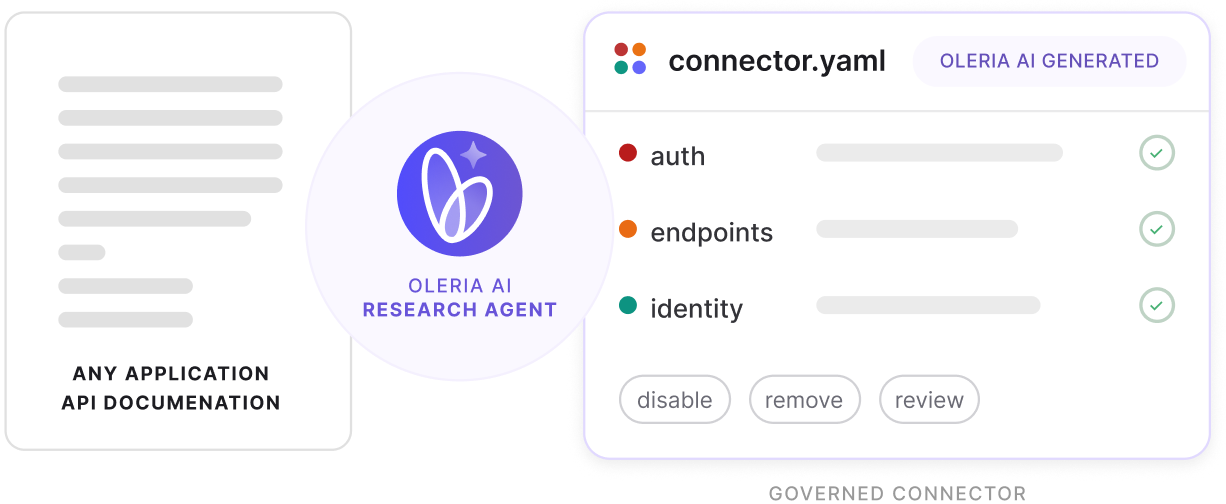
Point the Studio at an app's API documentation, and it drafts a governance-ready connector while narrating its reasoning. Approve it, and it's live the same day, no engineer, no code.
Same day
Zero
100%
From API docs to a governed connector
Four stages, all visible as they happen — you confirm before the agent moves to the next one.
Step 1
Point it at the docs
Give Integration Studio a link to the app's API documentation and decide the depth of integration you want to build.
Step 2
The agent researches live
It works out auth, endpoints, and identity mapping — narrating its reasoning at every step.
Step 3
A validator checks every draft
A deterministic check outside the AI model verifies the manifest before it advances.
Step 4
You approve and connect
Enter the credentials. Oleria tests the live connection — nothing goes live until it passes.
A connector the AI configures, not code you ship.
.avif)
.avif)


It joins the platform. Not a side door.
The access an Integration Studio connector brings in feeds the exact same workflows as every connector Oleria builds by hand. There's no second-class tier for apps you connected yourself.
Access Inventory
- Same posture checks as every catalog app
- Findings ranked and routed automatically
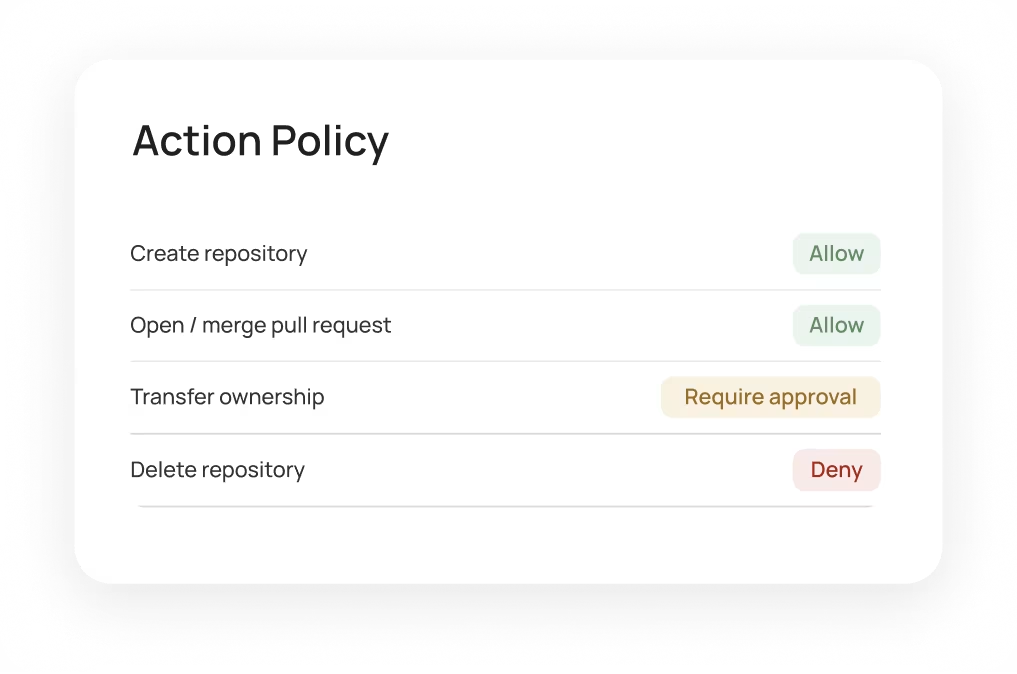
Governance
- Users and entitlements reviewed in line
- Outcomes carried back into the app
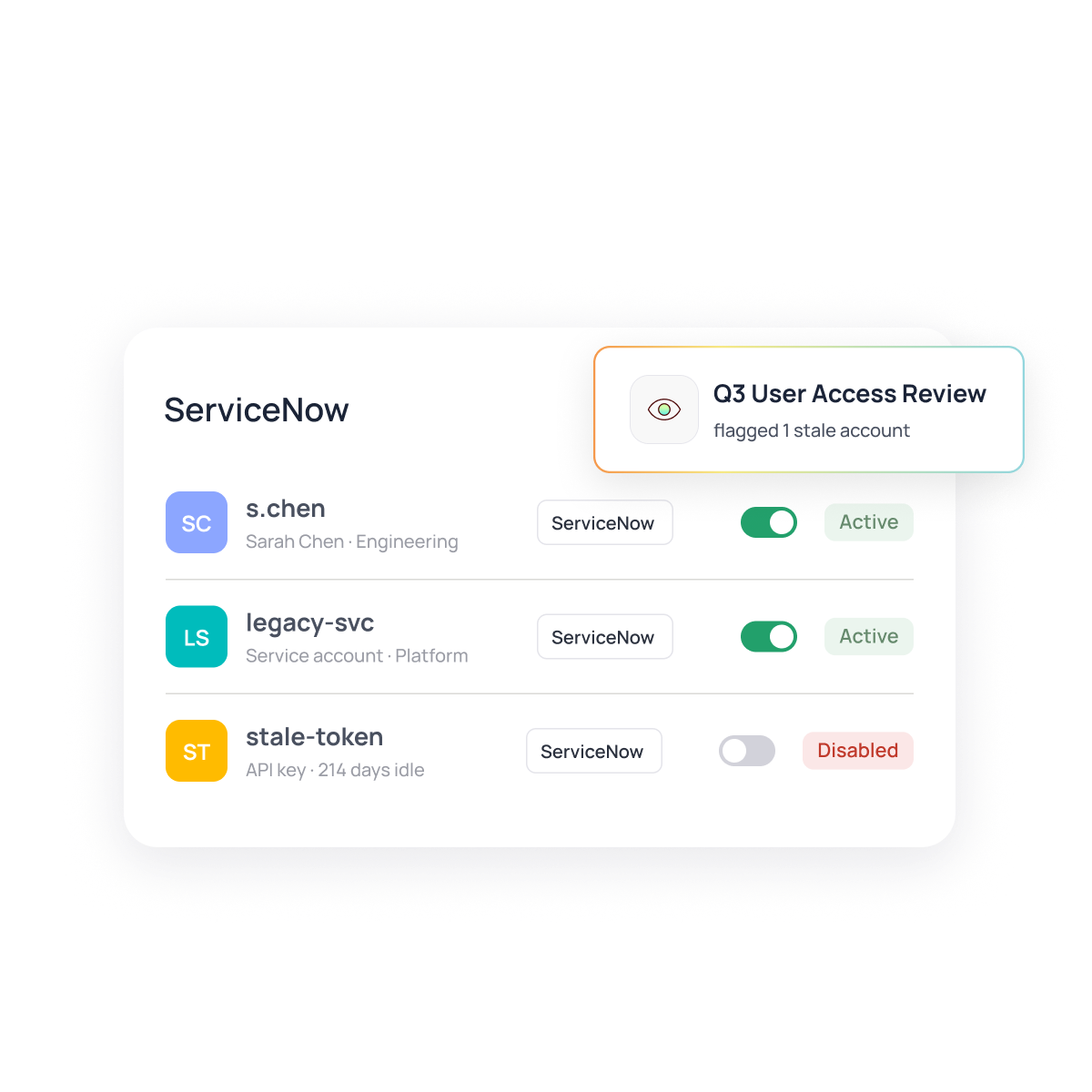
NHI Discovery
- Non-human identities surfaced per connector
- Ownership and last-use tracked
Copilot Queries
- Natural-language questions on access & risk
- Self-built apps answer like hand-built ones
Coverage
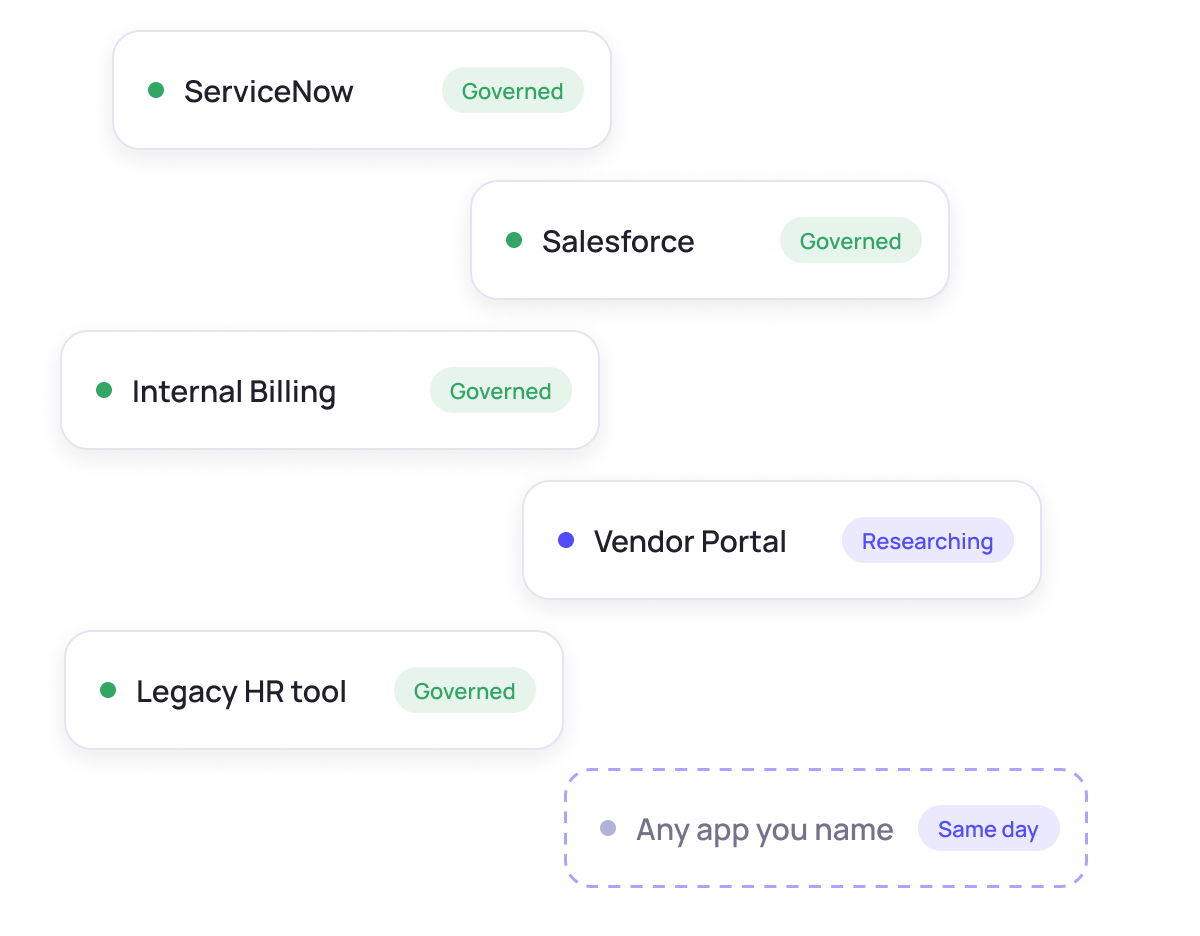
Any app. Same day. Governed.
The long tail of apps in your environment becomes reachable as fast as you can name them. Point Integration Studio at an app's API docs and stand up a governance-ready connector the same day — no roadmap request, no release cycle.
Frequently asked questions
How does Integration Studio build a connector?
You point it at an app's API documentation and name the access you want to govern. An AI research agent reads the docs live, works out how the API authenticates and returns data, maps it to Oleria's identity model, and assembles a connector manifest. You confirm each stage, and Oleria validates the live connection before anything goes live.
Do I need to write any code?
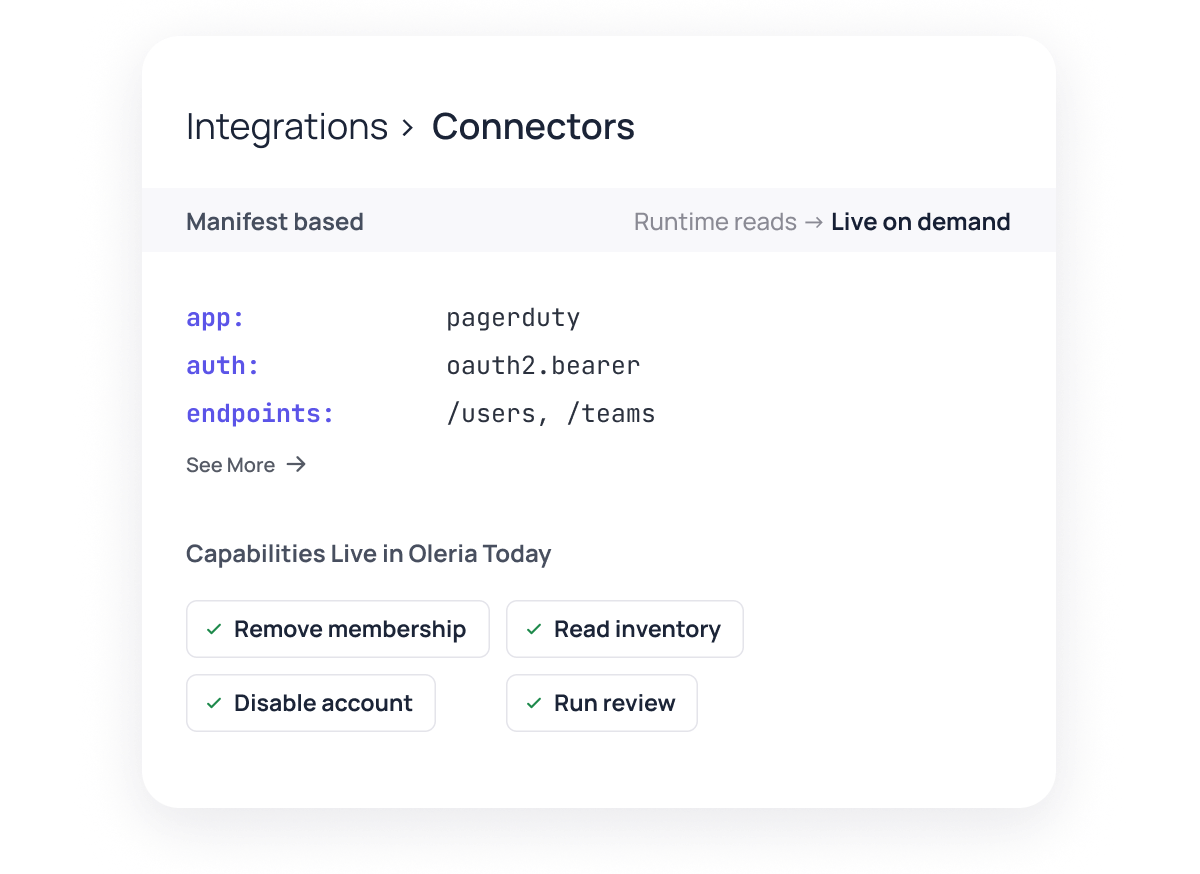
No. Integration Studio produces a connector manifest, not code — a structured description of the app's auth, endpoints, and field mappings that a generic runtime reads and runs. There's no engineering cycle and nothing to maintain in a repo.
What can a connector do once it's live?
The same things Oleria's hand-built connectors do: read users, groups, and entitlements into your identity model, and act on them — disable an account, remove a group membership, or run an access-review campaign, all without leaving Oleria.
How do you keep what the AI builds accurate?
Two checks. Every draft is checked by a deterministic validator that runs entirely outside the AI model — a mechanical gate that can't be talked around. And you confirm each stage yourself before the agent moves to the next one, with full visibility into what it found and where.
How is this different from Oleria AI?
Oleria AI answers questions about the access and risk already in your environment. Integration Studio is what gets a new app into that environment in the first place — it builds the connector that makes an app visible to Oleria at all.
What do I need to get started?
A link to the app's API documentation, and the credentials Integration Studio will use once you approve the connector. Nothing else — no engineering time, no vendor roadmap request.
Bring every app into governance
See Integration Studio research an app live and stand up a governance-ready connector the same day, with no engineering effort and no vendor roadmap request required.
Watch Integration Studio research an app live and stand up a connector the same day.
From Okta and Entra ID to AWS, Workday, Salesforce, and custom applications, discover how Oleria unifies access intelligence across your environment.
Pick a time that works for you to connect.